5505
Flutter 3: What's in it for Developers & Business Owners?
4 min read
5505
4 min read
This year’s Google I/O announced a lot of exciting stuff. Not only did Pixel hardware steal the show with the announcement of the Pixel 6a and Pixel Watch but we also got an early look at the upcoming Pixel 7 series and the Pixel Tablet.
However, we want to keep today’s tech update all about Flutter 3. As a part of the Google I/O keynote, they announced the launch of Flutter 3 with some really cool features for Flutter Developers and business owners!
Let’s dive in!
With the Flutter 3 release, they have extended their support for macOS for universal binaries so that Flutter apps can perform natively on Apple Silicon chips and Intel. Google also collaborated with Ubuntu’s Canonical to support Linux for a highly integrated cream-the-cream option.
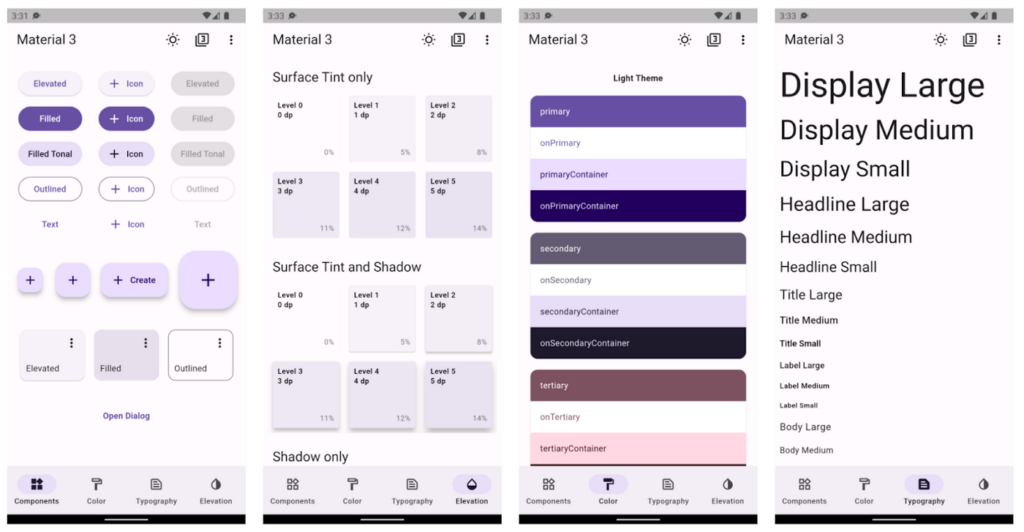
This new version also has some noteworthy improvements, like support for Material design 3, Firebase integration, and a few enhancements for Dart.
Now, as a Business Owner or a mobile app developer, you must be wondering what would really make a difference for you. Is Flutter 3 that big an update for your business, or just another release to ignore? To help you understand that, we have bifurcated the article below. Find out what’s in for you with details.
In the previous releases, they supplemented iOS and Android with Windows and web support, and now Flutter 3 has stable support for macOS and Linux apps. While it was not an easy thing to execute, adding platform support required more than rendering pixels. It entails compilation and builds support, accessibility and internationalization, and platform-specific integration. The goal here is to have a flexible platform so you can provide beautiful UI experiences.
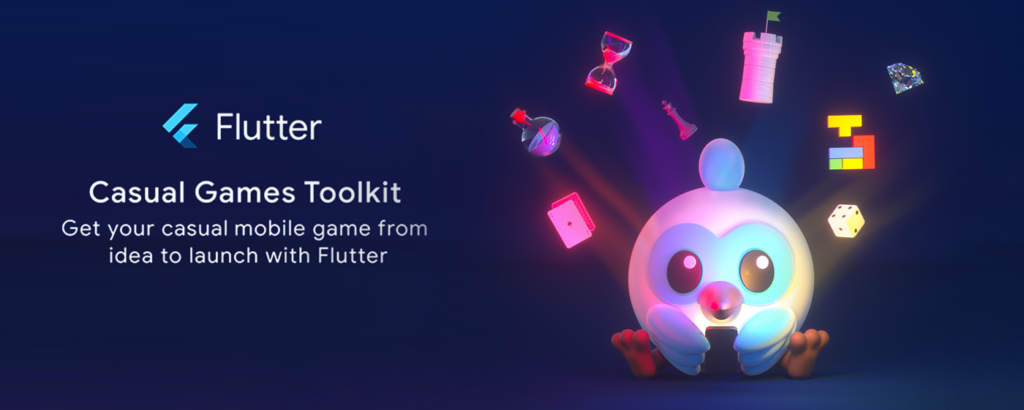
Also, there is a fun pinball game powered by Firebase and Flutter’s web support. While the primary version of Flutter isn’t designed for high-intensity 3D action gaming, games like PUBG have hundreds of millions of followers. It set an example and with Flutter’s Dash, Firebase’s Sparky, the Android robot, and the Chrome dinosaur, they want to showcase its versatility for the game development world.
Foldable Phone Support
With Samsung Galaxy Fold, there is an entirely new user base for foldable device users. Now, you can also extend your support on foldable devices with Flutter 3.
Read Also: Flutter BLoC Tutorial
The Flutter 3 has fresh updates for platform-specific integration, and interactive models for compilation to build support and provide internationalization and accessibility.
The aim here is to have the flexibility to utilize the operating system and share UI and logic as required.
Universal binaries by default on macOS
Since its release, Flutter has been compatible with M1-powered Apple devices; Flutter now takes full advantage of Dart’s support for Apple silicon. So, now they can enable faster compilation on M1- powered devices and support universal binaries for macOS apps.
Web app lifecycles
With this new web app lifecycle API for Flutter apps, you can control the process of bootstrapping your app. You can now take advantage of desktop support for your app.
Simplified iOS Releases
There are new options available to simplify releasing your iOS app. When you are ready to distribute to TestFlight or the App store, try to run Flutter build IPA to build an Xcode archive and app bundle. You can optionally add —-export-method ad-hoc,—-export-method development, or —-export-method enterprise. Once the bundle is built, you can upload it to Apple through the Apple Transport macOS app or on the command line using xcrun altool.
After uploading is done, your app will be available to be released to TestFlight or the App Store. After setting up the initial Xcode project settings, such as display name and app icon, you no longer need to open Xcode to release your app.
Gradle version update
When you have your project with the Flutter tool, you might notice that the generated files now use the latest versions of the Gradle and Android Gradle plugins. For existing projects, you can manually bump the versions to 7.4 for Gradle and 7.1.2 for the Android Gradle plugin.
Read More: What’s New in Flutter 3.13 Update
We hope you continue to build experiences that delight your users with the awesome features of Flutter. To start taking advantage of Flutter 3, you can start upgrading your current version to the latest one. If required, you can hire flutter developer to help you with upgrading it further.
Cheers!
You are at the right place.
Projects Completed
Technical Experts
Happy Clients
Years of Experience
Book a free consultation call with us





By submitting this form, you agree to our Terms of Use and Privacy Policy. All information provided will be kept strictly confidential.